Fire TV Stick
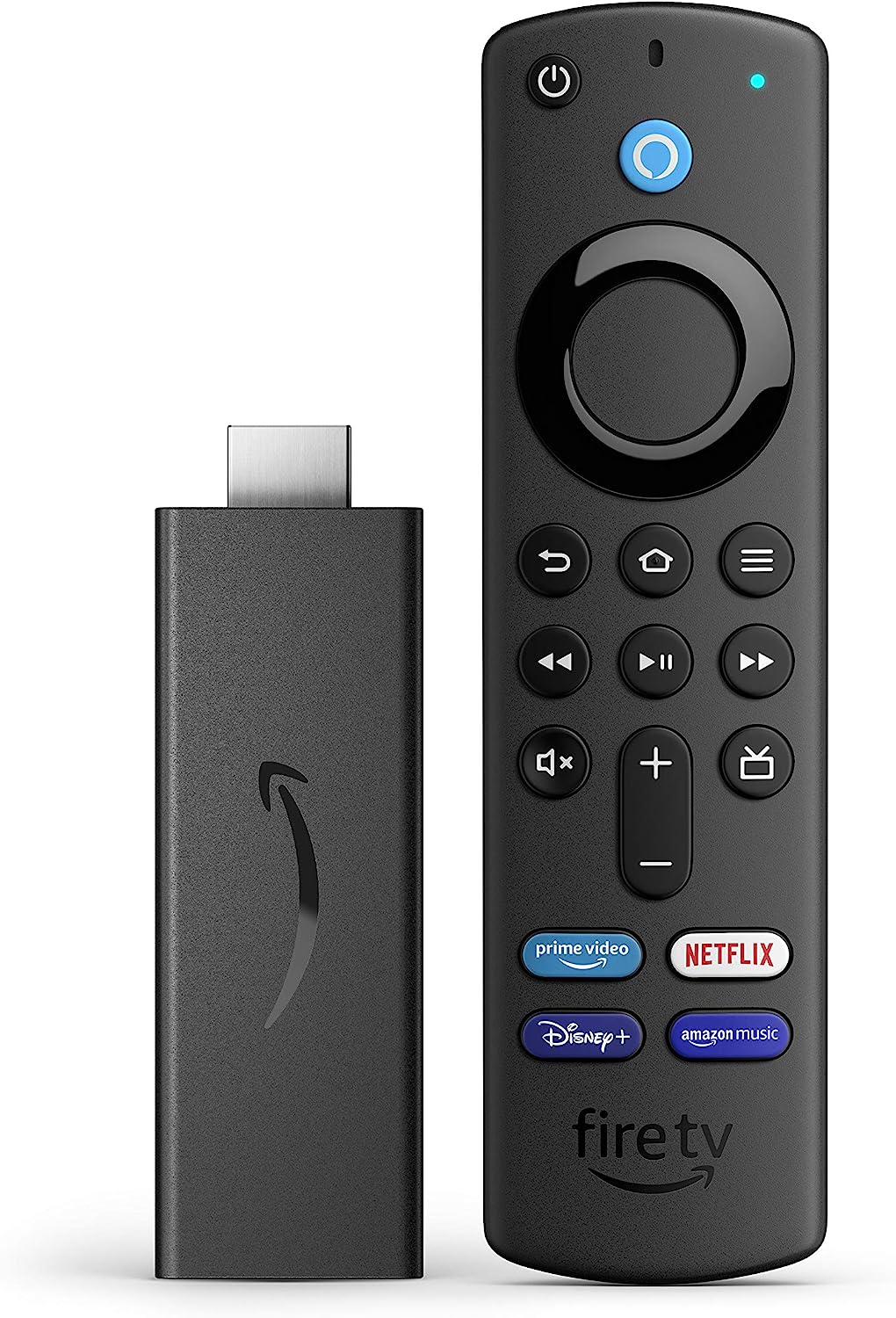
An Amazon Fire TV Stick turns any TV with an HDMI input into a Busroot display, for example to show Production Progress or the Cockpit.
Setup
- Set up the Fire TV Stick as normal:
- Unpack it and connect it to the TV's HDMI input.
- Optionally, but recommended, connect to it with the Fire TV app on your phone.
- Connect it to Wi-Fi.
- Turn off the screensaver: Settings > Display > Screensaver > Never.
- In the app store, download the Silk Browser app (also called "Internet").
- Open
https://<your Busroot address>/auth/login/accesscode. - Enter your access code. An Admin creates it on Access codes.
- Use the Busroot menu to open the page you want to show.
For more about display logins, see Operator screens and displays.
Troubleshooting
- The page doesn't fit on the screen. Set the TV's display setting to fit the screen.
- The cursor is hard to position. Set the cursor and scrolling speed to slow: Settings > Applications > Silk Browser > Cursor Speed.
- The address bar is in the way. Press the Menu button on the remote to show or hide it.