CSV Export
Busroot lets you download your data as CSV files, for spreadsheets or for your own records. There are two kinds: daily backup files for each plant, and CSV downloads of what you see on each tool's page.
Daily backup files
Busroot creates three backup files for each plant every day. You download them from the Backups page, which lists the last 30 days. Each file is a different view of what happened on the line. Together they show when you ran, what you produced and where time was lost.
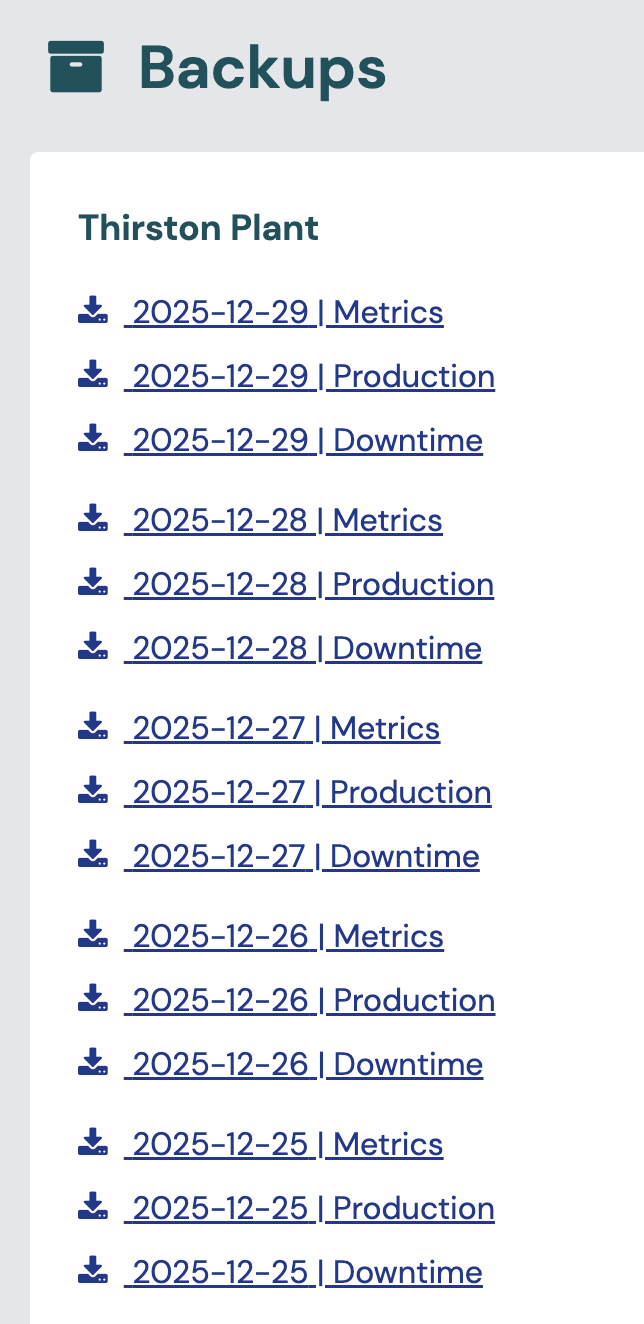
Downtime file
- One row per downtime event, with its start and end times, its duration, and whether it is still ongoing.
- Shows which station was down, for which SKU and work order, and for how long.
Production file
- One row per completed unit or batch, with the good and bad quantity, station, SKU, work order, and the time the last unit was produced.
- Shows how many good and bad parts each station produced over time. You can use it to work out throughput and effective cycle time.
Metrics file
- Minute-by-minute performance figures for each station and SKU, including scheduled time, productive time, downtime, good and bad counts, and production rate per hour.
- You can use it to build higher-level figures, such as OEE, lost production cost, and actual against ideal or target rates across the shift. To match Busroot's own figures, use the definitions on the capability pages, for example OEE and Lost production cost.
CSV downloads from tools
Many tool pages have a download button that exports the data on screen, for the filters and date range you have chosen. These include:
- OEE Analysis
- Hierarchy Explorer
- Downtime List & Analysis
- Quality Analysis
- Cycle Time Analysis
- Interval Chart
- Production reports: Weekly Report, by Station, by WO Ref., by SKU and Entries
- Task History
- Gantt & Schedules (Schedules List) and Schedule Capacity
Most Admin lists, such as stations, SKUs, reasons and users, can also be downloaded as CSV.
For regular or automated exports, use the API or Power BI & Grafana instead.
FAQs
Can I get data for a specific period?
Yes. Tell support the period and the figures you need, and they will prepare the data for you.