Shift Patterns
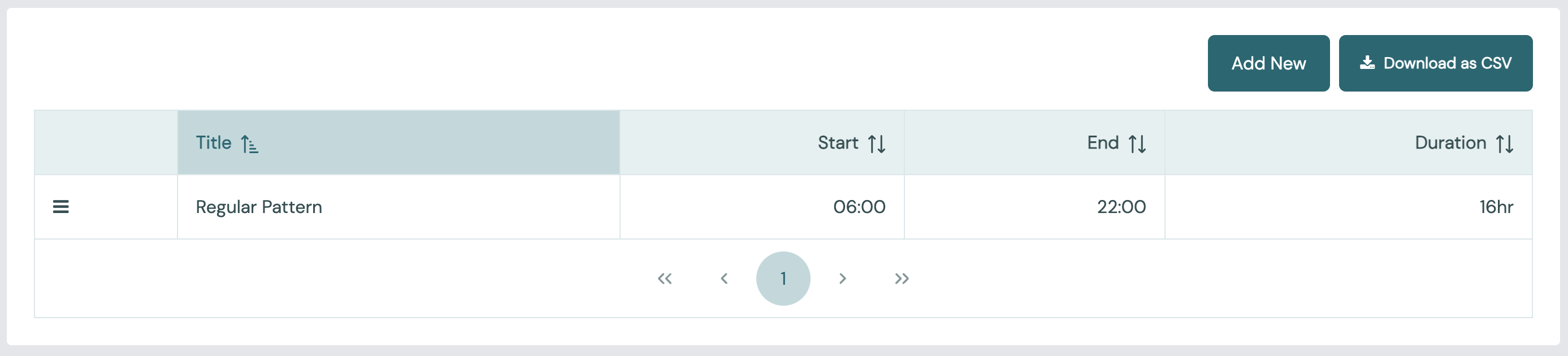
A shift pattern is a weekly timetable of when stations are meant to work. Go to Admin > Shift Patterns.
Shift time is the base for most of Busroot's figures. Outside a shift, a station is out of shift and gains no productive time. See:
Info
Shift patterns are stored in the account manifest.
Create a new shift pattern
- Select Add New on the Shift Patterns page.
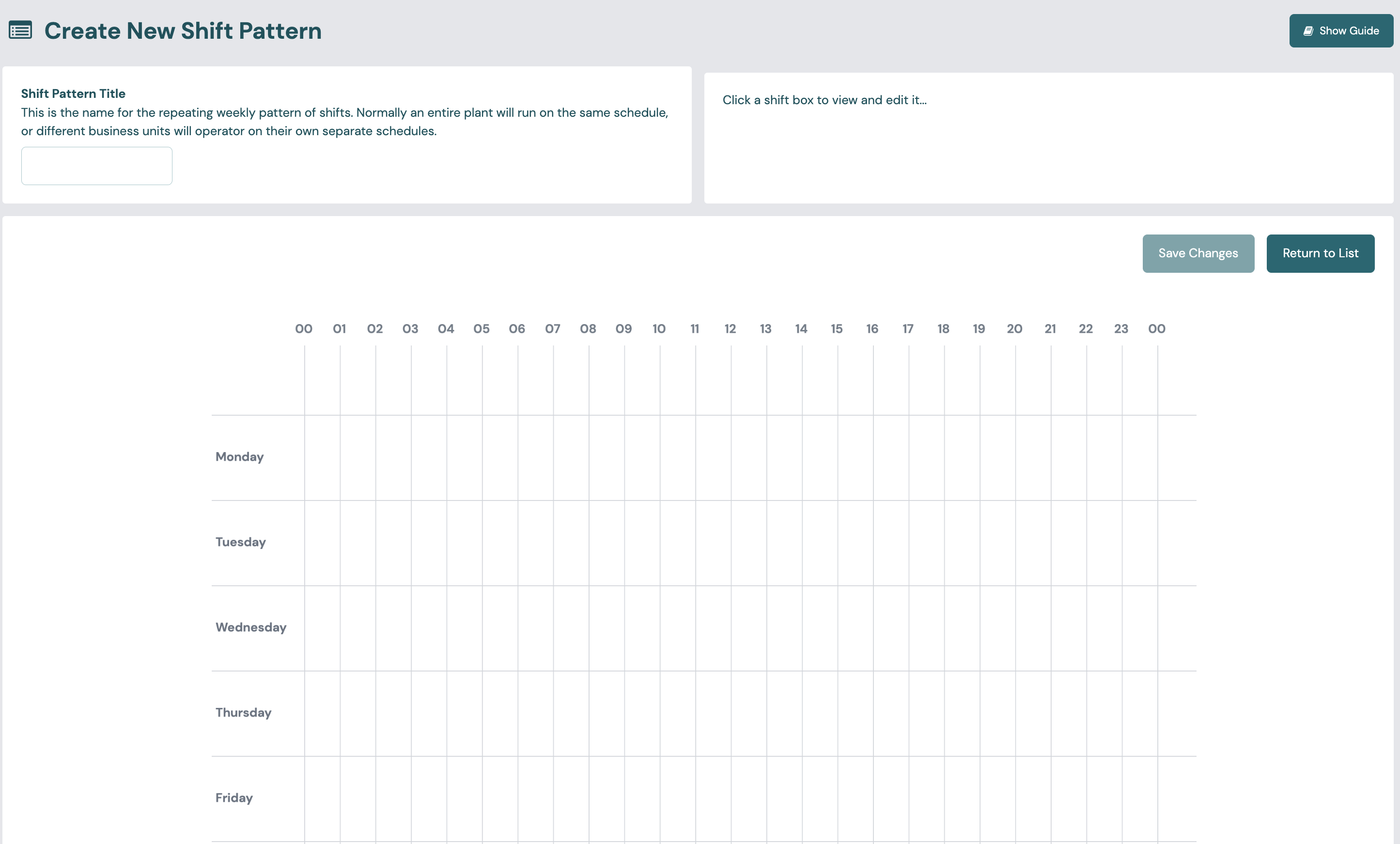
- Enter the Shift pattern title. You use it to choose the pattern for a station or a station group.
- Left-click the grid at the day and start hour where you want a shift.
- Drag the white circles at each end to set the exact start and end, in 5-minute steps.
- Add as many sections to each day as you need, for example either side of a break or a changeover. You can give each section a Shift Name, such as Morning or Afternoon, so you can filter data by shift. Sections with the same name count as one shift.
- For a shift that runs past midnight, extend it to 00:00 at the end of the first day, then add a section from 00:00 on the next day. Busroot treats the two sections as one continuous shift.
- To remove a section, right-click it.
- Select Save.
After you save it, you can edit or delete the pattern from the list.
Use a shift pattern
Choose a pattern on a station group to use it for all the group's stations, or on a station to override the group. A station with no pattern, from itself or its group, is never in shift.
Changes to a pattern, and changes to which pattern a station uses, apply from the moment you make them. Past data is not recalculated.
To set when the plant's day starts, see Plant.
Tip
While you commission a new station, a 24/7 shift pattern lets a test at any hour produce figures. You can set the real pattern later.