SKU
A SKU (Stock Keeping Unit) is a product that Busroot tracks. Every production schedule names a SKU, so Busroot knows what is being made and what the target is. Go to Admin > SKU.
Add a SKU with Add New, or add many at once with Upload, from a spreadsheet. A schedule can only name a SKU that already exists, so add your SKUs before you create or upload schedules. See Gantt & Schedules.
Info
SKU settings are stored in the account manifest.
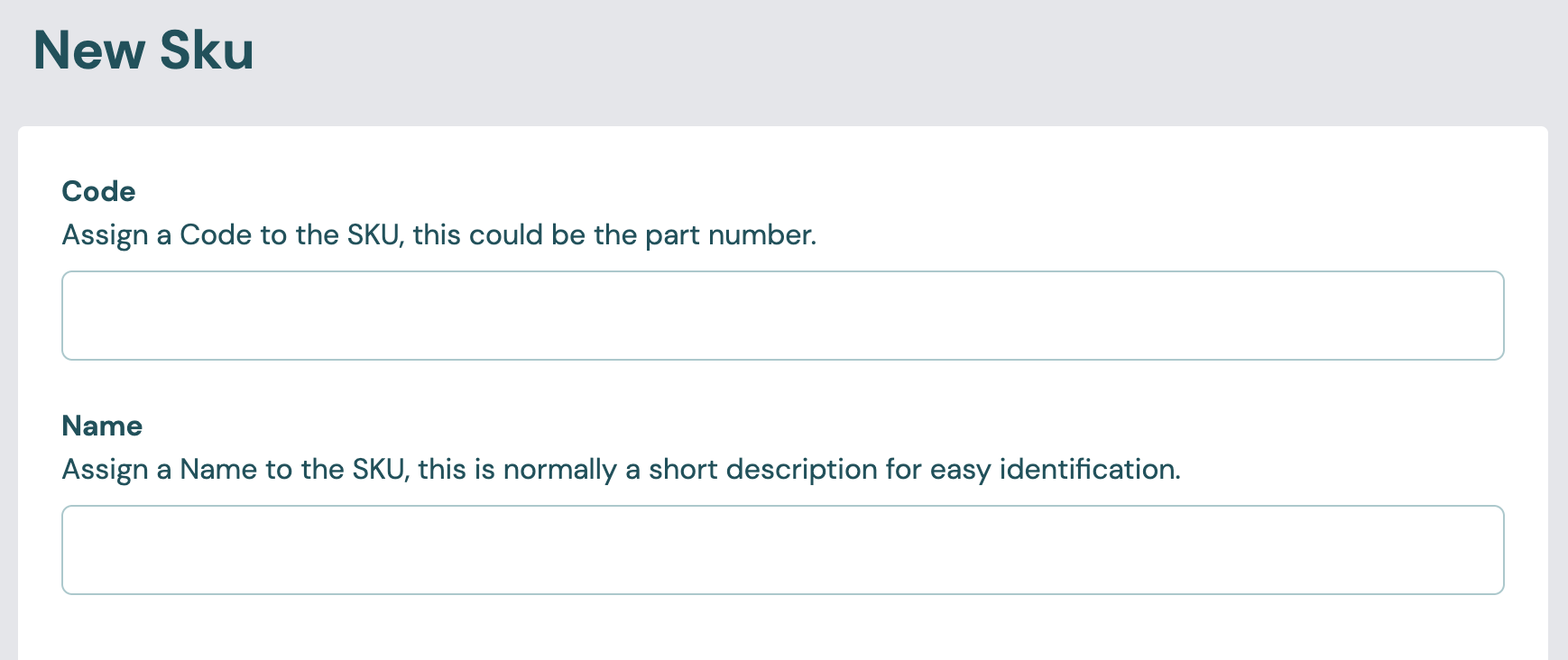
Code and Name
| Setting | Values | Default | Effect |
|---|---|---|---|
| Code | 1 to 32 characters: letters, numbers, _, ., /, \ and -. The form changes letters to upper case |
None (required) | The SKU's permanent identifier, for example its part number. You can't change it after you save the SKU. |
| Name | 1 to 128 characters | None (required) | A short description, shown across Busroot. You can change it at any time. |
Production
Performance target
The performance target is the rate the SKU should be made at. Busroot uses it for the Target count, Performance and the expected length of schedules on the Gantt. While a schedule for the SKU runs, the SKU's target is used instead of the station's. If the SKU has no target, the station's target is used. See Station › Production.
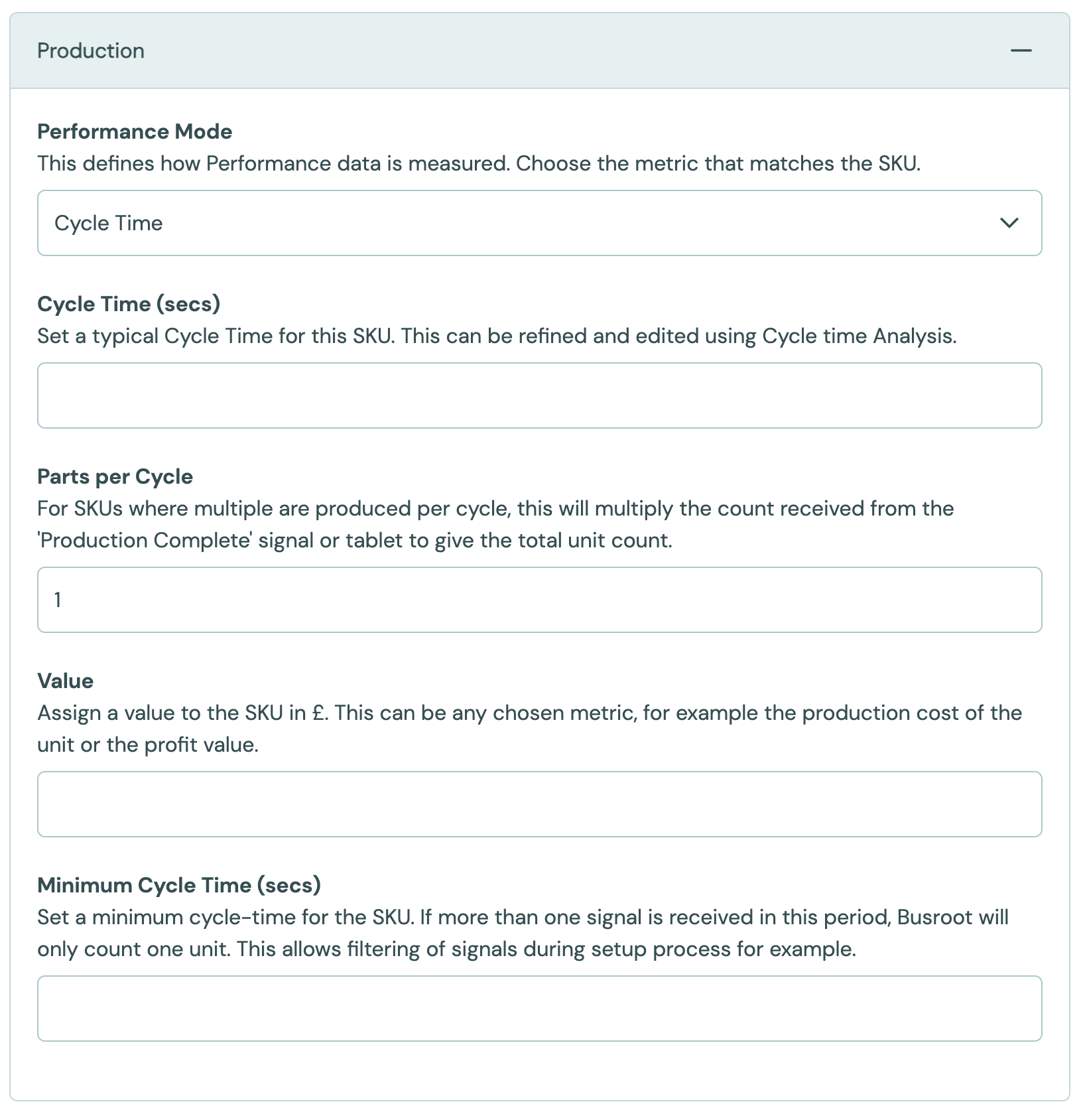
First choose the Performance Mode, then fill in the one field it shows.
| Setting | Values | Default | Effect |
|---|---|---|---|
| Performance Mode | Cycle Time, Units per Minute, Units per Hour, Independent Process Speed | Cycle Time | How the target is given. A SKU has only one. |
| Cycle Time (secs) | Seconds, above 0 | Empty | With Cycle Time: the typical time for one cycle. You can refine it with Cycle Time Analysis. |
| Units per Minute | Number above 0 | Empty | With Units per Minute: the expected rate in units per minute. |
| Units per Hour | Number above 0 | Empty | With Units per Hour: the expected rate in units per hour. |
| Line Speed Target | Number above 0, up to 99,999 | Empty | With Independent Process Speed: the target speed for a continuous process. |
A SKU with no performance target has no target count, so its schedules show no estimated end time on Production Progress.
Other production settings
| Setting | Values | Default | Effect |
|---|---|---|---|
| Parts per Cycle | Whole number above 0, up to 99,999 | 1 | Each production complete signal, or each count entered in the Operator Interface, is multiplied by this number. Use it when one cycle makes several units. See Production Tracking. |
| Value | Number above 0, below 99,999, in the account currency | Empty | The value of one unit, such as its production cost or its profit. Used for Quality cost, Downtime cost and Lost production cost. |
| Minimum Cycle Time (secs) | Seconds, 0 up to 12 hours | Empty | Signals that arrive closer together than this count as one unit, while a schedule for this SKU runs. It takes priority over the station's Minimum Cycle Time. Use it, for example, to filter out signals during setup. See Production Tracking. |
The SKU's Parts per Cycle is not checked against the account's Maximum Production Count per Schedule. That limit is checked when the SKU is used on a schedule. See Production Tracking.
Station Allowlist
| Setting | Values | Default | Effect |
|---|---|---|---|
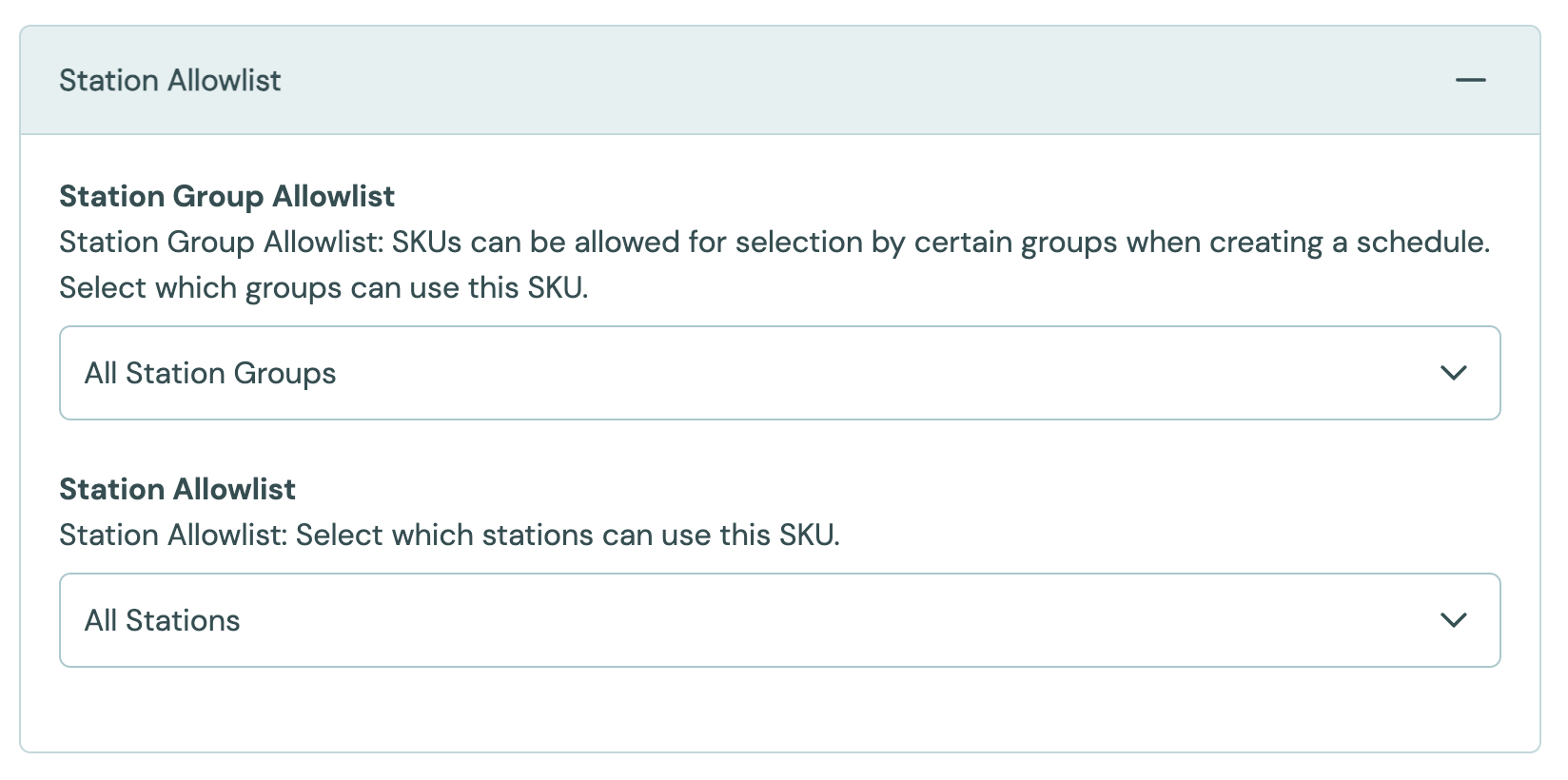
| Station Group Allowlist | Station groups | Empty | The SKU can only be scheduled on stations in these groups. |
| Station Allowlist | Stations | Empty | The SKU can only be scheduled on these stations. |
To make a SKU available only at certain stations, edit the SKU and open Station Allowlist. Choose the station groups and stations that can use it.
A SKU with neither list set is available at every station. When you name stations or groups, the SKU is limited to what you name. The two lists add together, so a SKU allowed for one group and one extra station reaches both.
Other
| Setting | Values | Default | Effect |
|---|---|---|---|
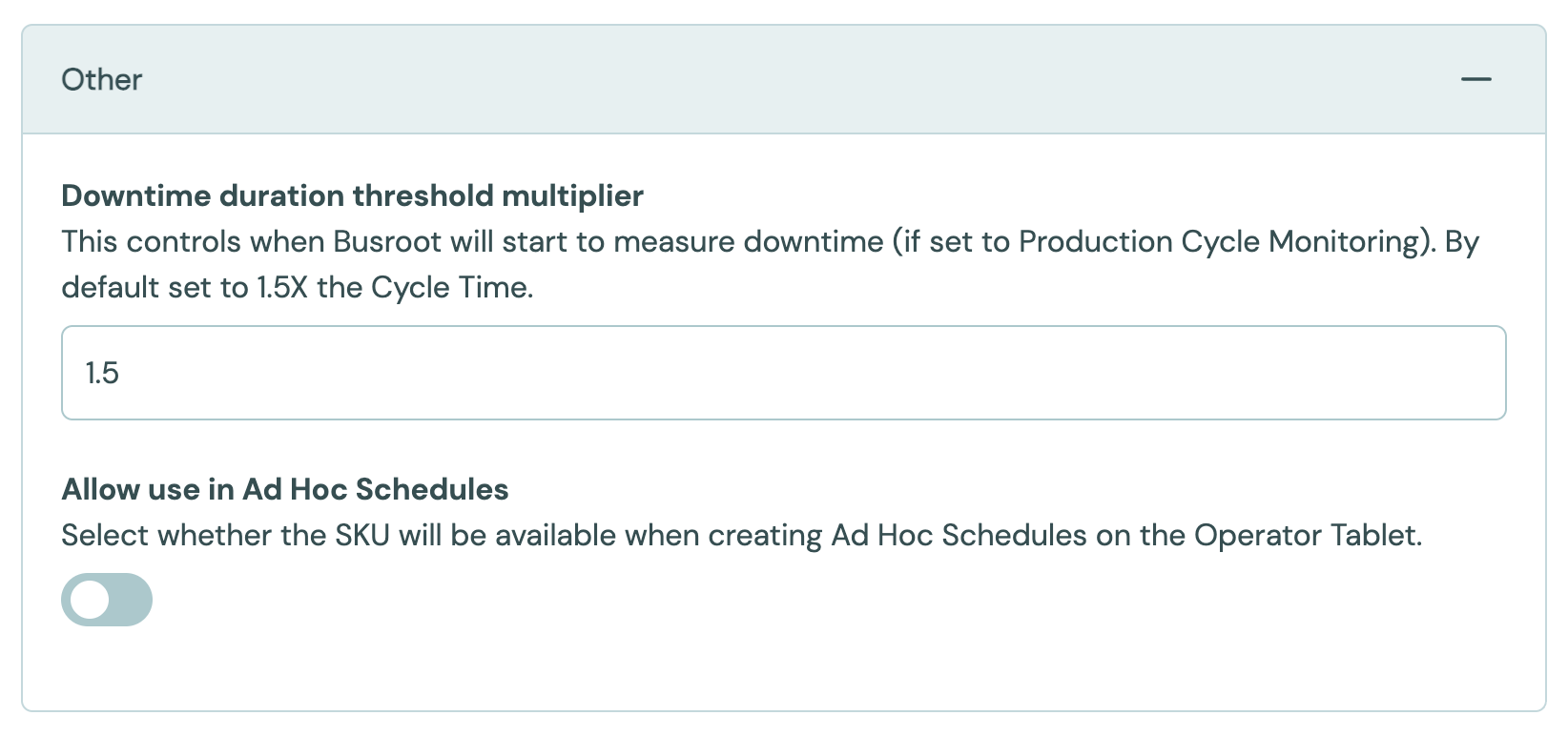
| Downtime Detection Cycle Time Multiplier | Number, 1 to 999 | 1.5 (150%) | With Production Cycle Monitoring, a stop starts when no production arrives for this multiple of the cycle time. See Downtime. |
| Allow use in Ad Hoc Schedules | On, Off | Off for a new SKU in the form | The SKU can be chosen when an operator starts an ad hoc schedule in the Operator Interface. |
For example, with the default multiplier and a cycle time of 2 minutes, a stop starts 3 minutes after the last unit. With a multiplier of 2 (200%), it starts after 4 minutes.
Instructions URL can be set in a SKU upload. It links to an internal process document for the SKU.
Availability
The SKU list has an Availability column. It shows how many stations each SKU reaches: "All stations", "8 of 12 stations" or "No stations". The count is out of every station in the account except archived, Scheduling Only and Meter Only stations. The column is included in the CSV download. When you upload that CSV again, Busroot ignores the column, because the allowlists decide availability.
Hover over the count to see the SKU's Station Group Allowlist and Station Allowlist. The SKU's edit form shows the same details, with the full path of every entry, in a read-only Availability panel at the bottom.
SKU Groups
SKU Groups have been removed from Busroot. Each SKU is now counted on its own.