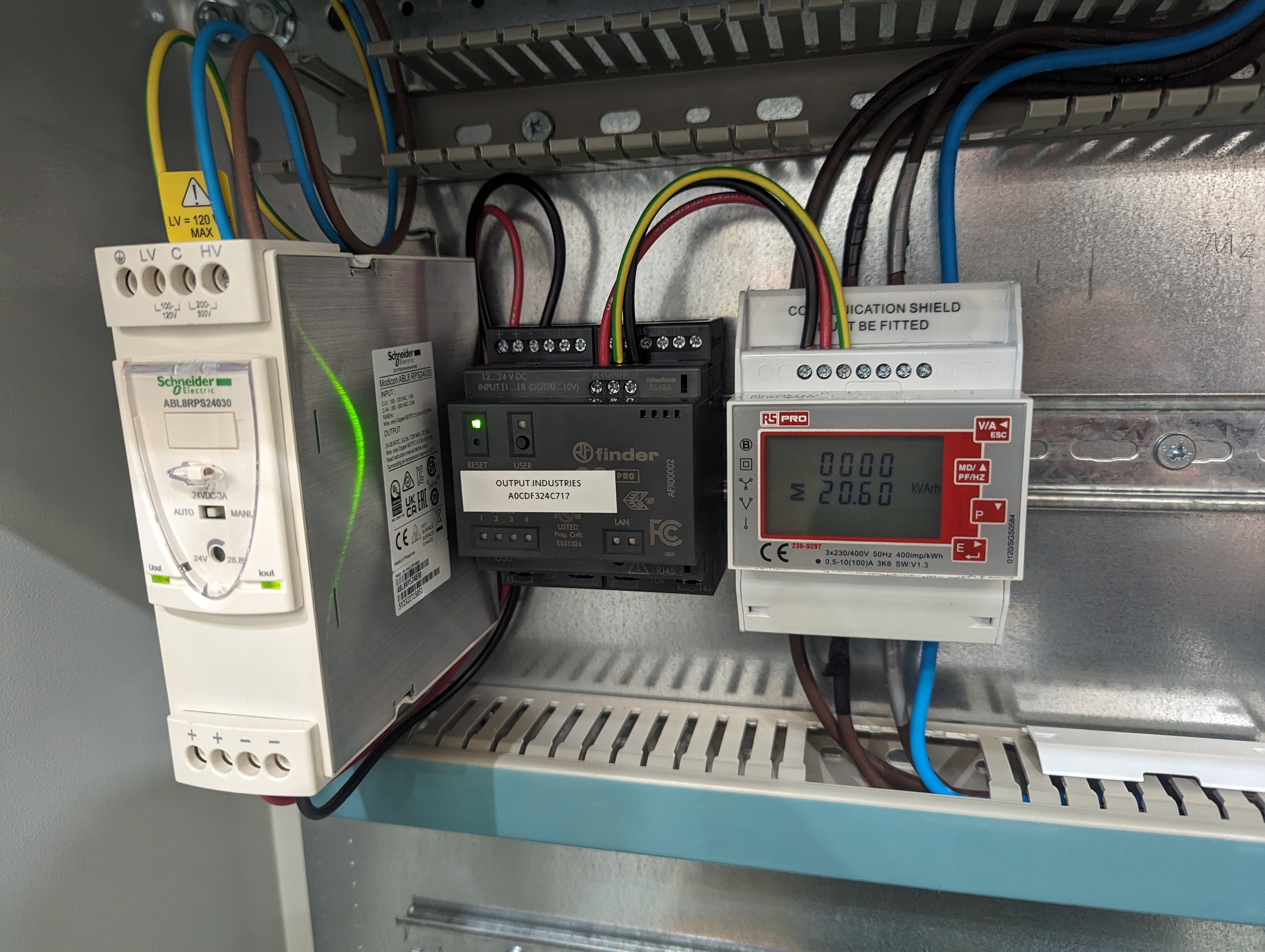
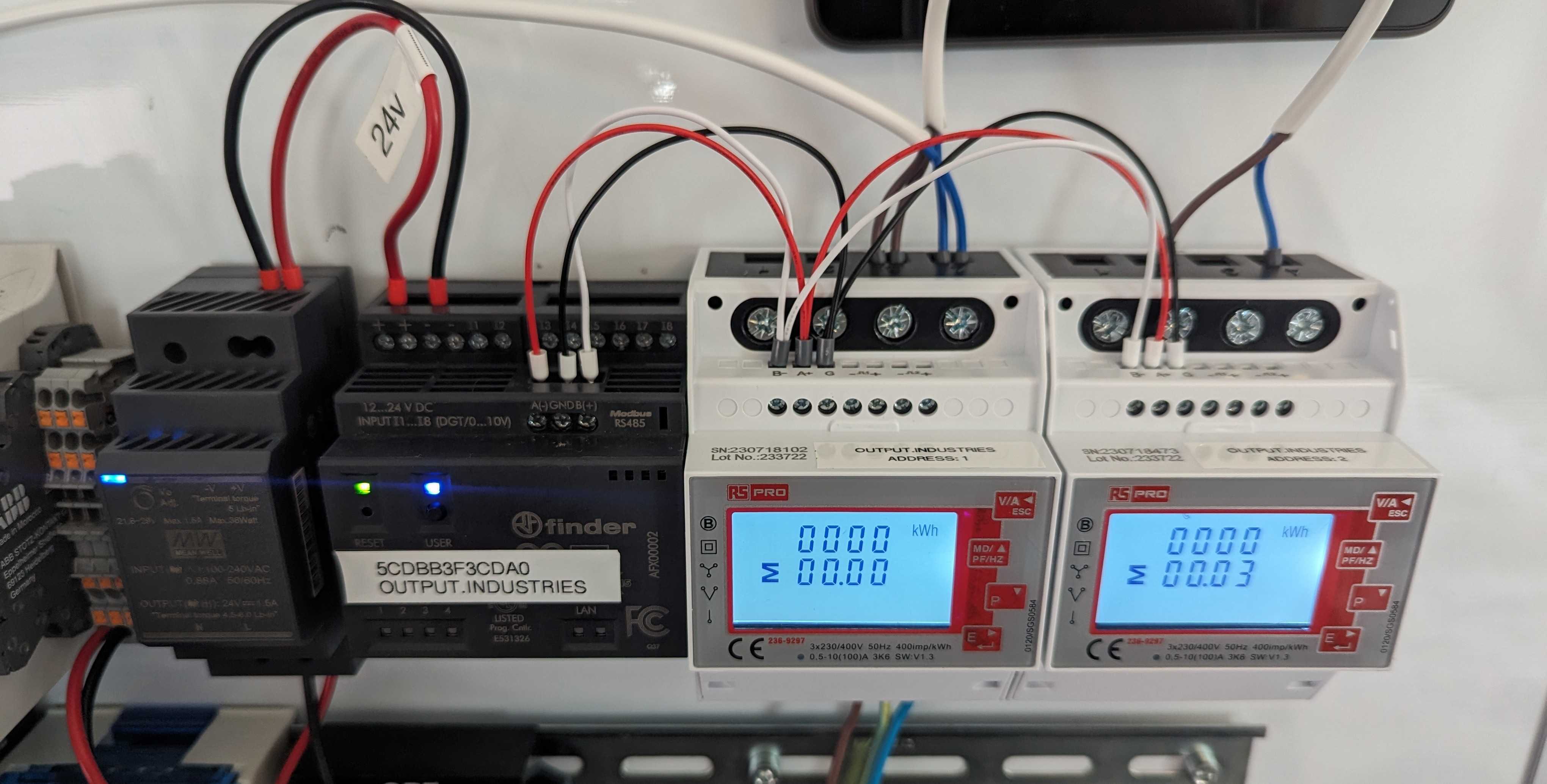
3 Phase < 100A
A three-phase energy meter for supplies up to 100 A. It connects to an Arduino Opta over RS485 (Modbus).
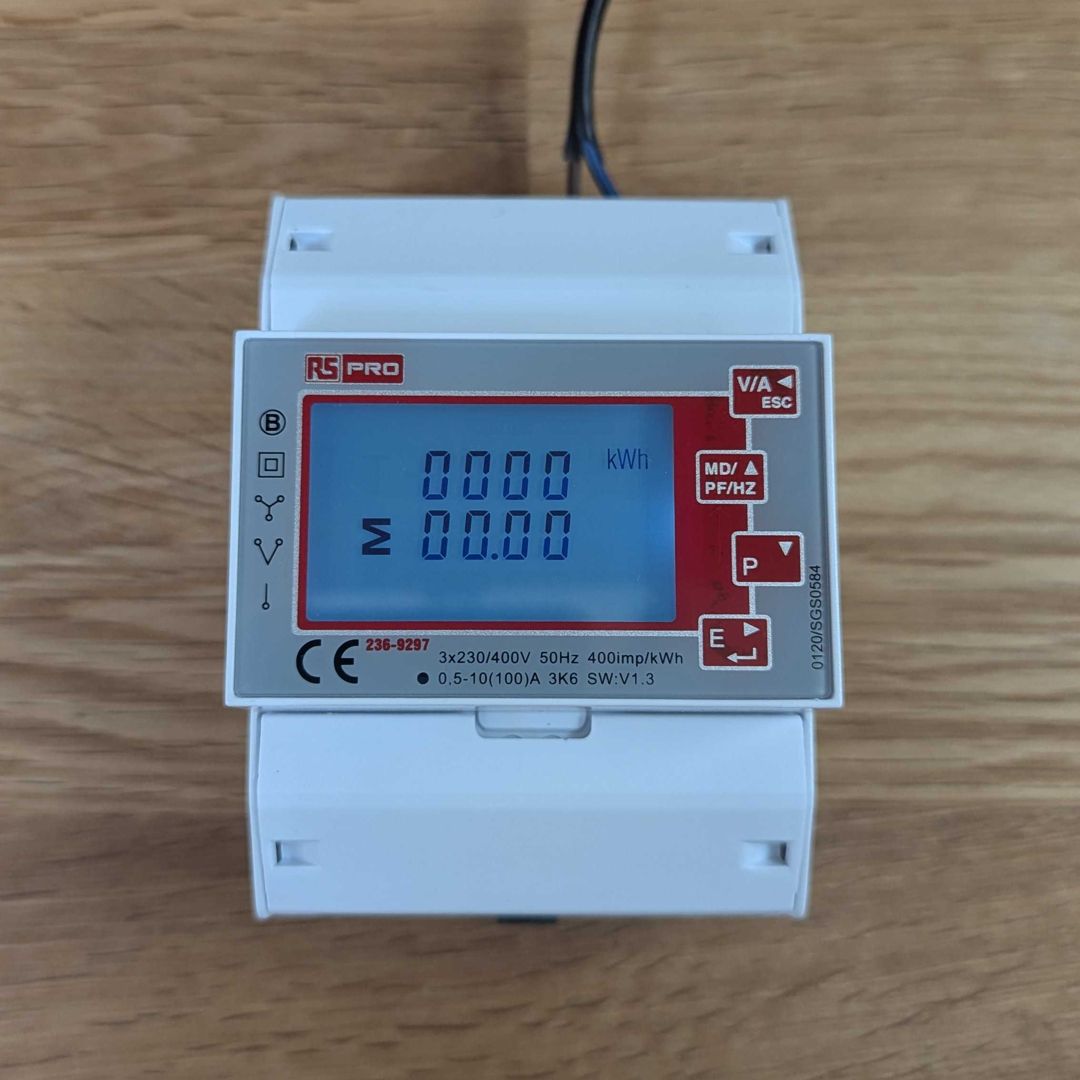
Device configuration
-
Hold down the E button to enter configuration mode. The default pass code is 1000.
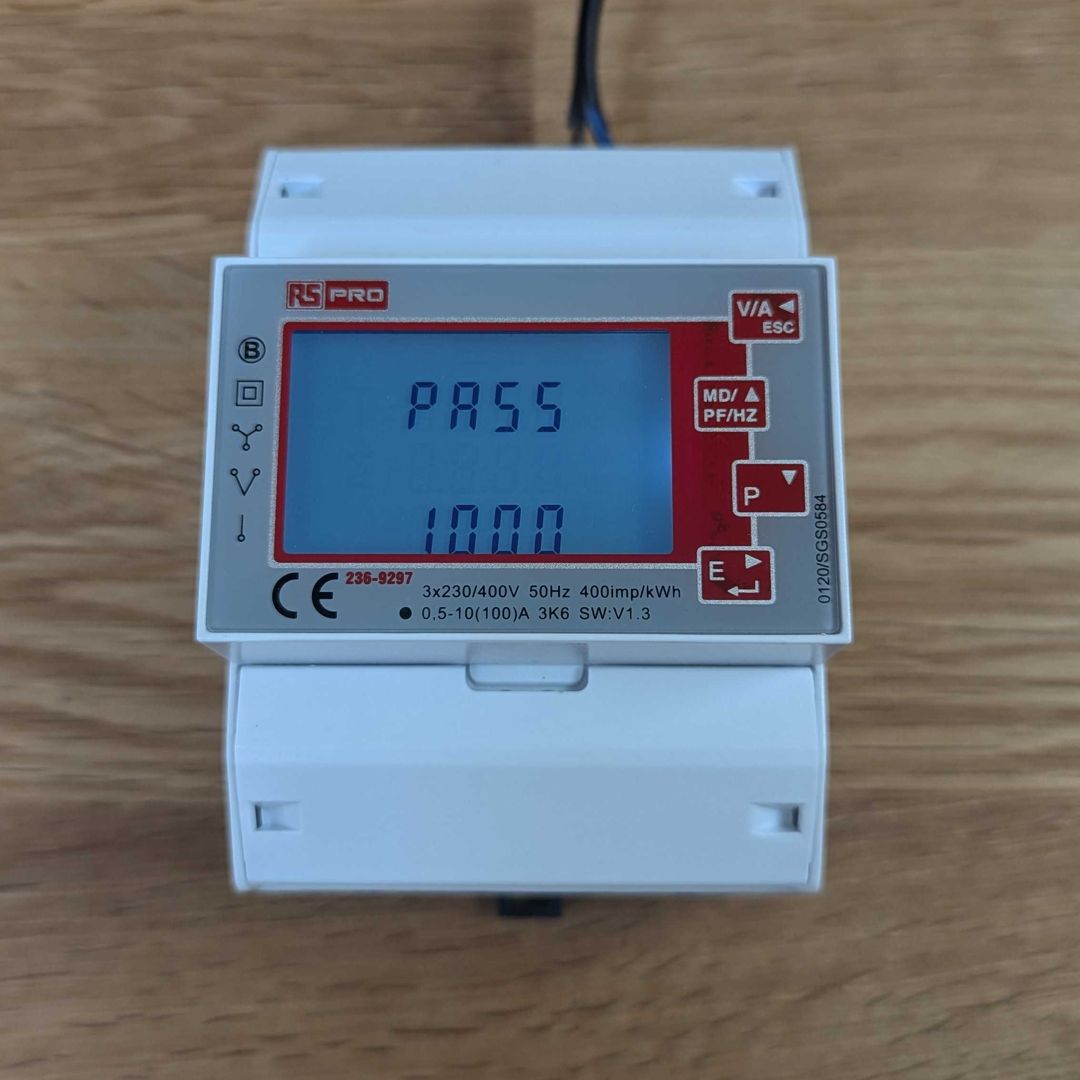
-
Set the device address. It must be less than 16, and different from every other meter connected to the same Opta. If only one meter is connected to the Opta, leave it as 001. If you connect a second meter, set it to 002 in this menu.
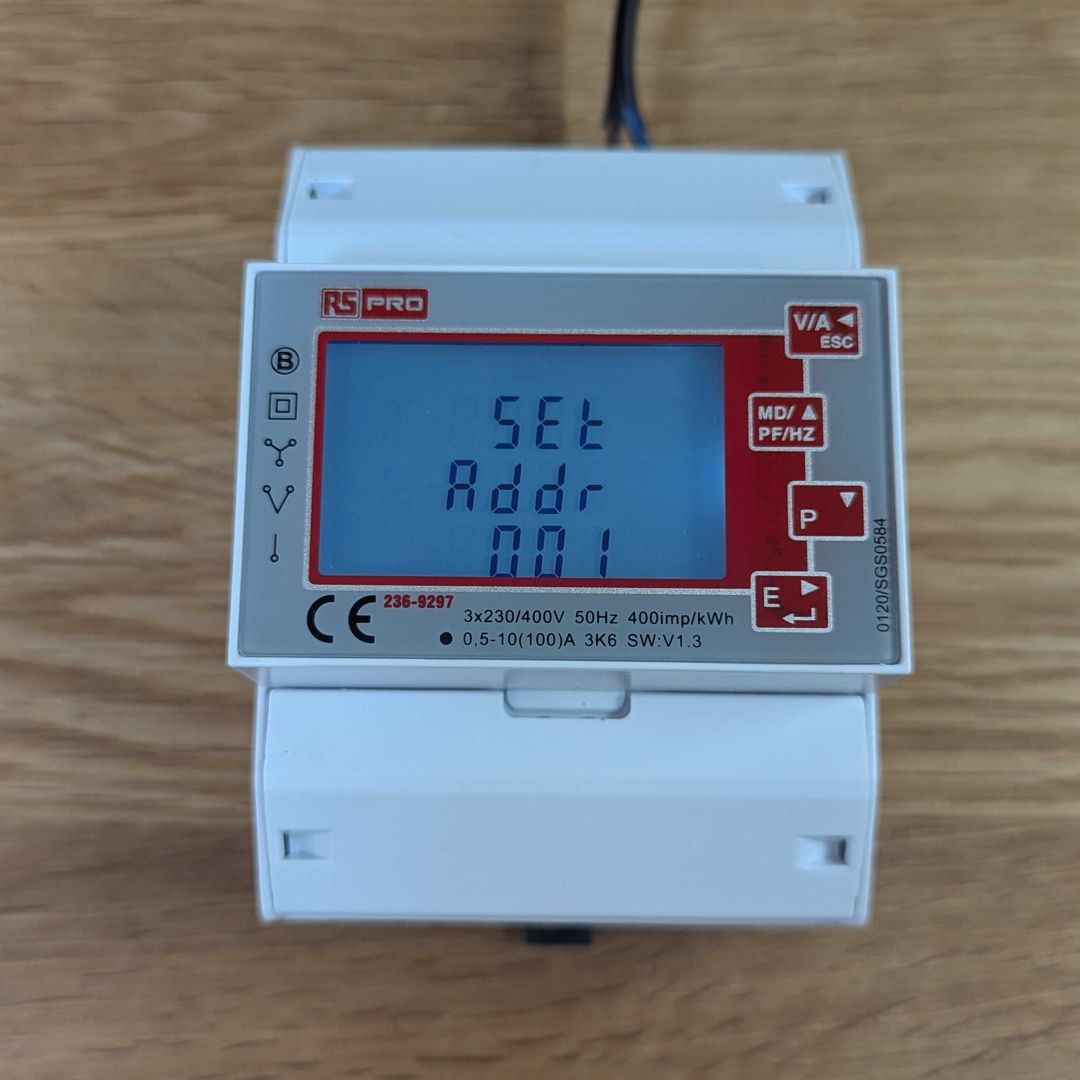
-
Set the baud rate to 19.2k.
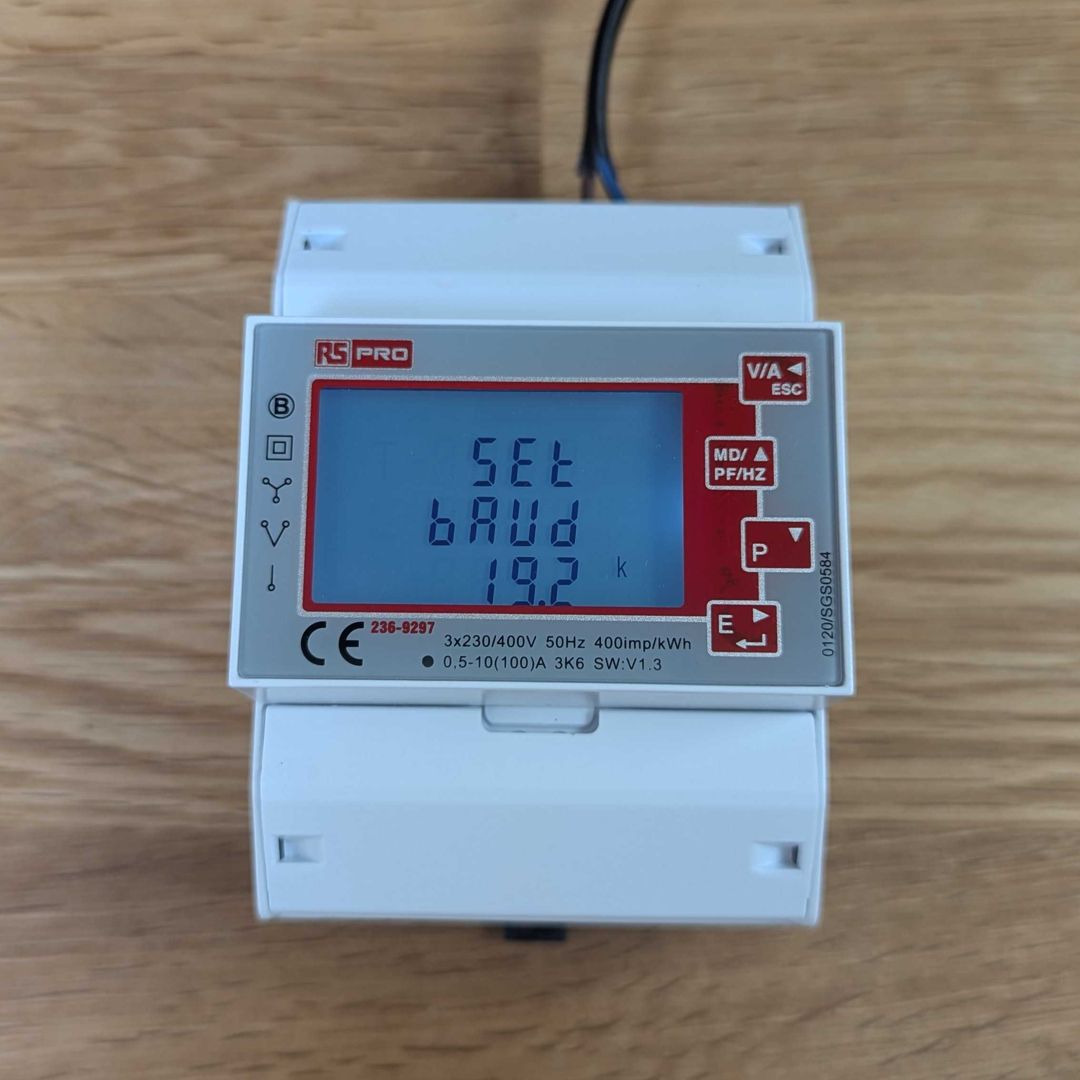
-
Photograph the wiring, the baud rate screen and the address screen, and send the photos to support with your installation details.
Documentation
Purchase
RS Pro 2369297: https://uk.rs-online.com/web/p/energy-meters/2369297
Example installations