Station Group
A station group is a line, area or other set of stations in a plant. Groups make stations easier to manage: a group can share a shift pattern, feature flags and energy metering with all its stations, and you can see figures for a whole line or area. Go to Admin > Station Group.
Info
Station group settings are stored in the account manifest.
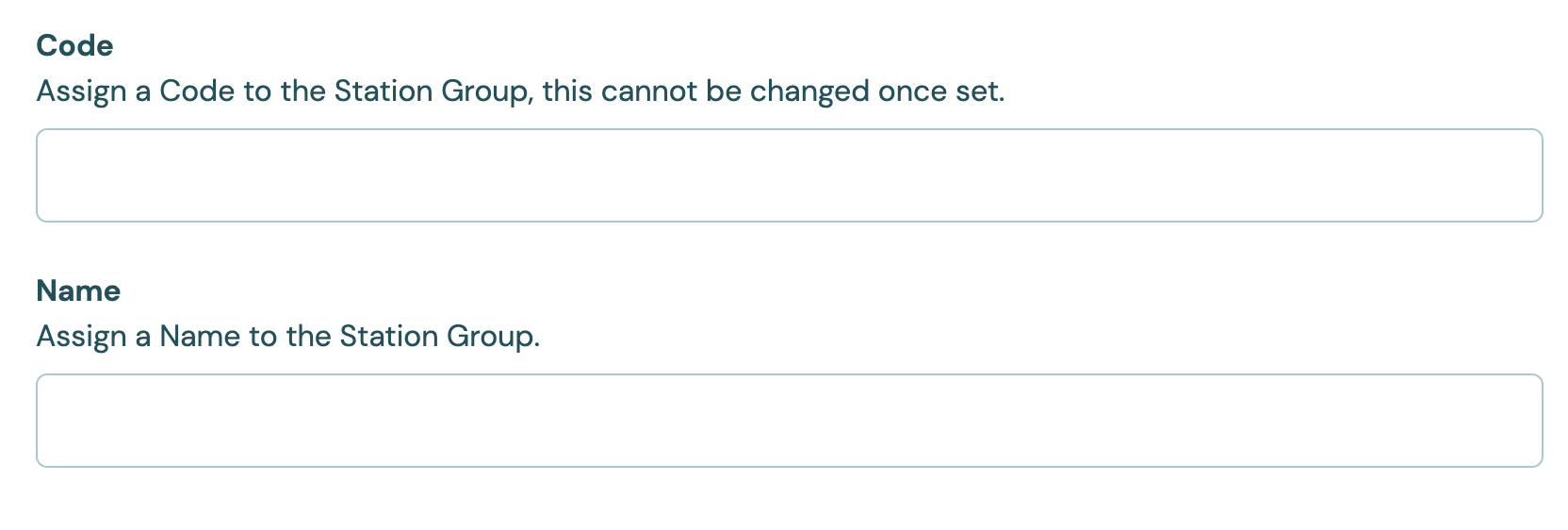
Code and Name
| Setting | Values | Default | Effect |
|---|---|---|---|
| Code | 1 to 32 characters: letters, numbers, - and _ |
None (required) | The group's permanent identifier. You can't change it after you save the station group. |
| Name | 1 to 32 characters | None (required) | The name shown across Busroot. You can change it at any time. |
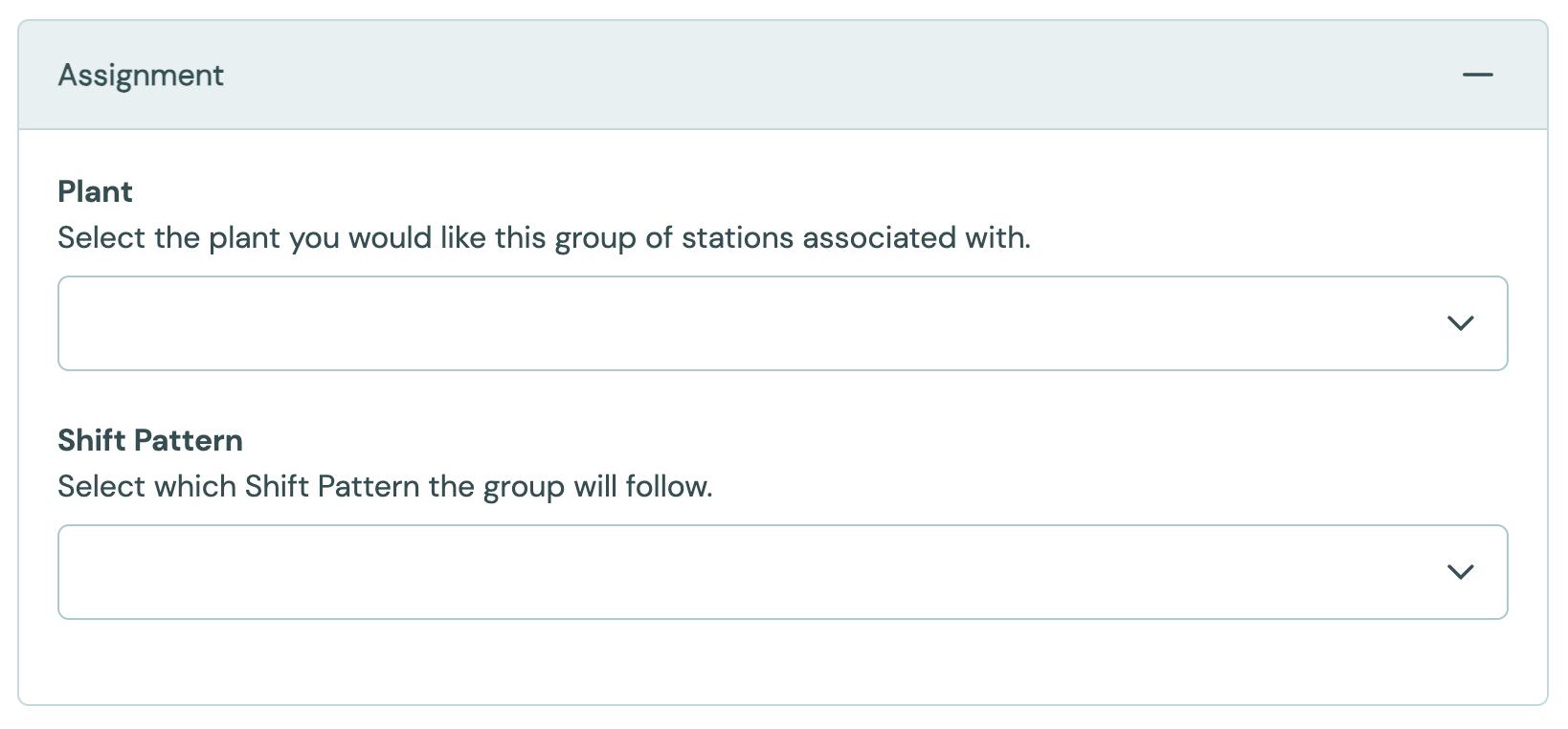
Assignment
| Setting | Values | Default | Effect |
|---|---|---|---|
| Plant | A plant | None (required) | The plant the group belongs to. |
| Shift Pattern | A shift pattern | None | The shift pattern for every station in the group that doesn't set its own. See Shift Patterns. |
Settings on the group apply to all its stations, unless a station sets its own value. To change which stations the settings apply to, add stations to the group or move them out. A station can be in only one station group.
Feature Flags
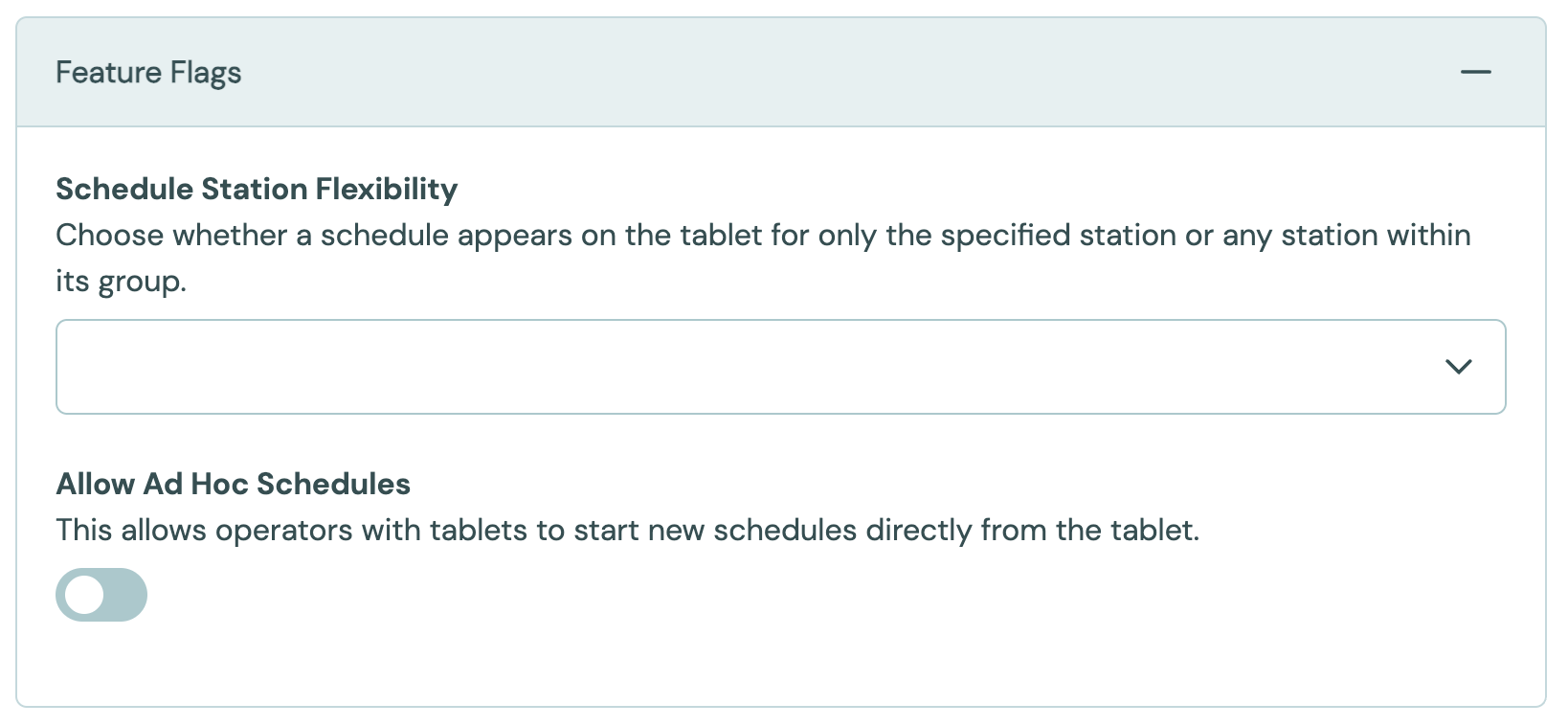
The Feature Flags panel sets flags for every station in the group. Each flag is Inherit, On or Off. See Feature flags for the full list. Two that are often set on a group:
- Allow Schedule Station Flexibility: schedules can run on any station in the group.
- Allow Ad Hoc Schedules: operators can start an unplanned schedule from the Operator Interface. They end it themselves, because an ad hoc schedule has no end time. See Operator Interface.
Energy Metering
If the group has its own energy meter, such as a line meter that covers the whole group, choose it here. The group's energy then comes from that meter instead of the sum of its stations. See Energy Efficiency.
The options are the group's Meter Only stations. The panel only appears when the group has one. See Meter Only.
Task Lists and Reasons
The Task Lists and Reasons panels choose which Task lists and reasons the group's stations offer. See Tasks and Reasons.