Account
The Account page holds settings that apply to your whole account. Go to Admin > Account.
Info
Account settings are stored in the account manifest.
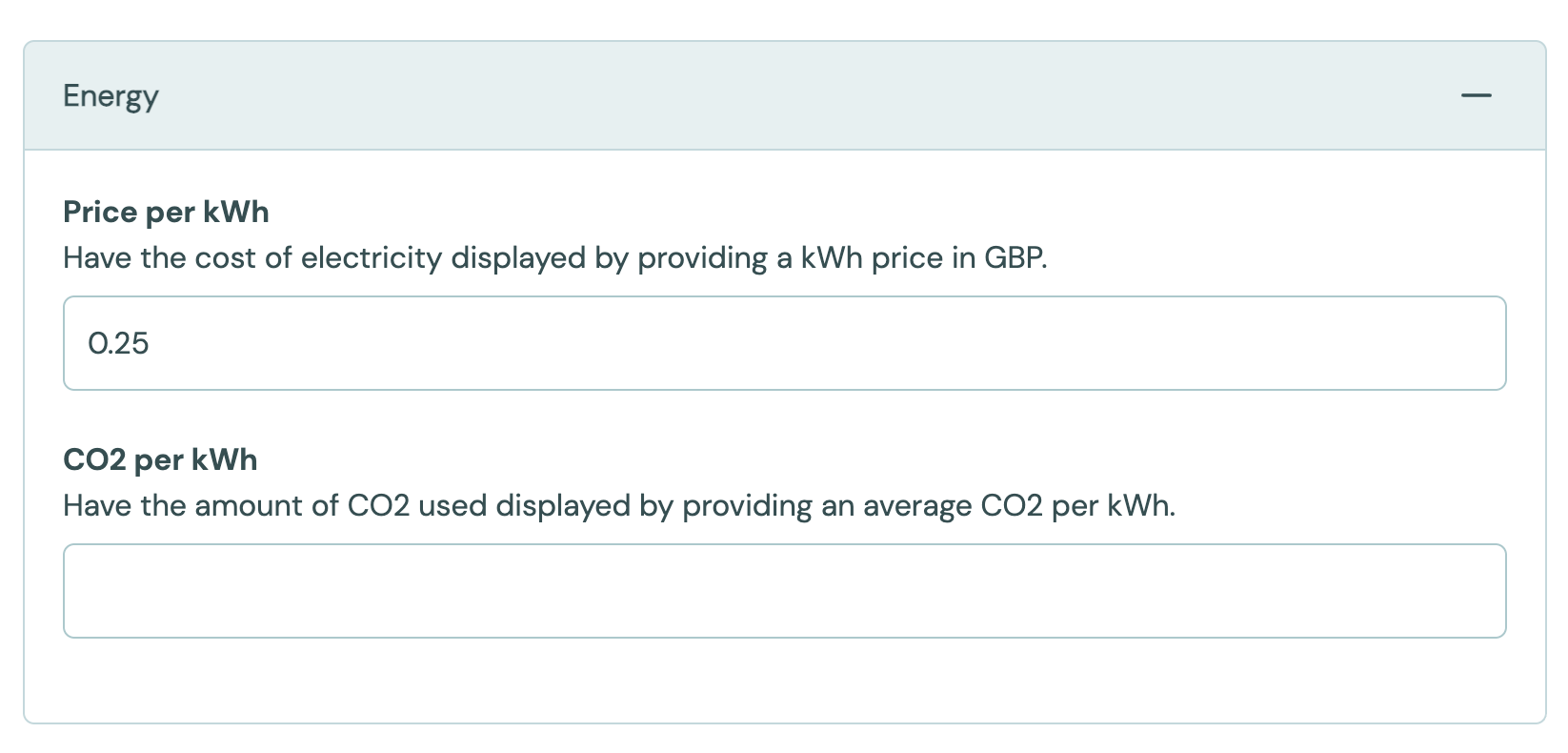
Energy
| Setting | Values | Default | Effect |
|---|---|---|---|
| Price per kWh | Number, 0 or more | Empty | Used to show the cost of electricity. See Energy consumed. |
| CO2 per kWh | Number, 0 or more | Empty | Used to show the CO2 from the electricity used. See Energy Efficiency. |
Feature Flags
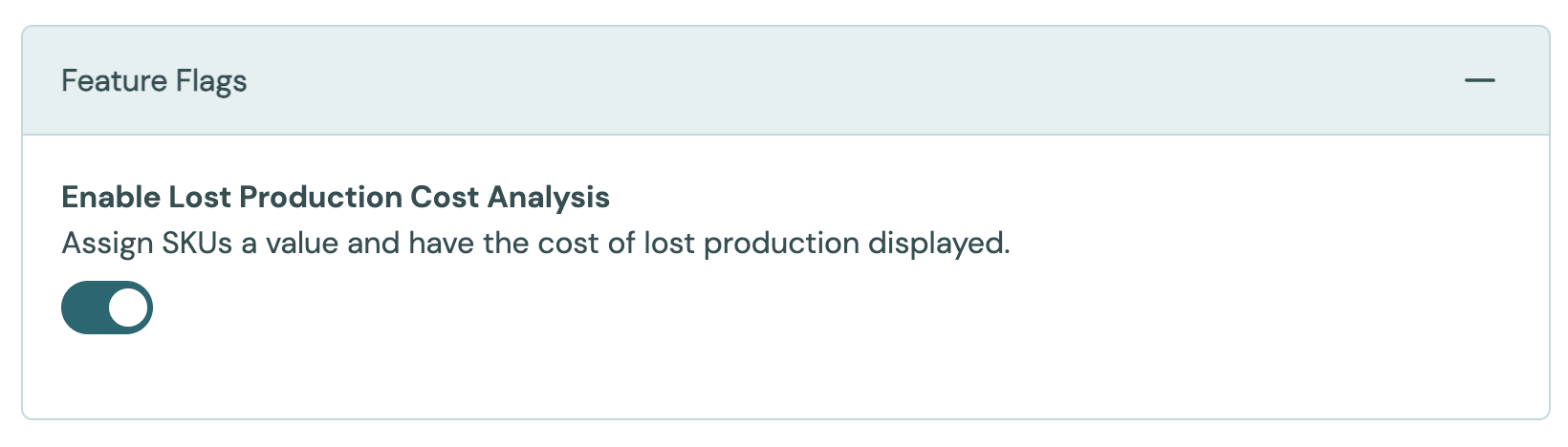
Feature flags turn optional parts of Busroot on or off. At account level each flag is On or Off, and the default is Off. Plants, station groups and stations can set most flags again for themselves. See Feature flags for the full list and how the levels combine.
These flags exist only at account level:
| Flag | Effect |
|---|---|
| Enable Lost Production Cost | Shows the cost of lost production. Needs a value on each SKU or an idle cost on each station. See Lost production cost. |
| Auto-End on Quantity Complete | New schedules end automatically when they reach their target quantity. See Gantt & Schedules. |
| Allow Drag Between Stations on Gantt | Lets planners move a schedule to another station by dragging it on the Gantt. |
| Allow Historical Production Correction | Lets Admins correct production counts on schedules that have already ended, from the action menu on the schedule list and the Gantt. |
| Enable Tasks | Turns on Tasks. Set by Output Industries. |
| Enable Cycle Time Analysis | Shows the Cycle Time Analysis page. Set by Output Industries. |
Production Progress Dashboard
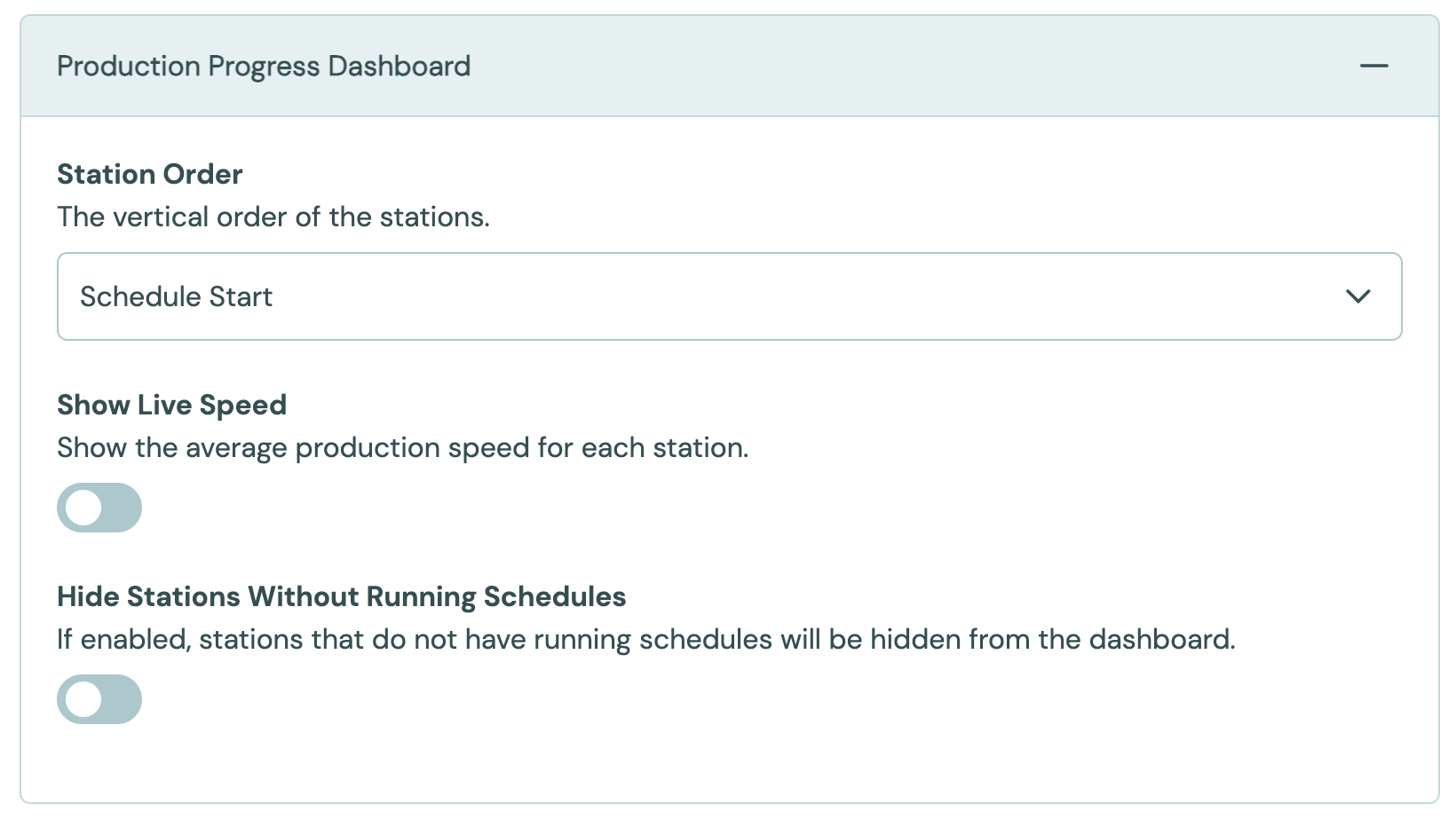
These settings control the Production Progress board, which is often shown on a TV in the production area.
| Setting | Values | Default | Effect |
|---|---|---|---|
| Station Order | Alphabetical, Schedule Start | Schedule Start | The order of the stations on the board. |
| Show Live Speed | On, Off | Off | Shows the average production speed of each station. |
| Hide Stations Without Running Schedules | On, Off | Off | Hides stations that have no running schedule. |
Schedule
Upload Transforms controls how the columns of an uploaded schedule file are mapped into Busroot. Output Industries sets this up for you. See Gantt & Schedules.
Formatting & Units
| Setting | Values | Default | Effect |
|---|---|---|---|
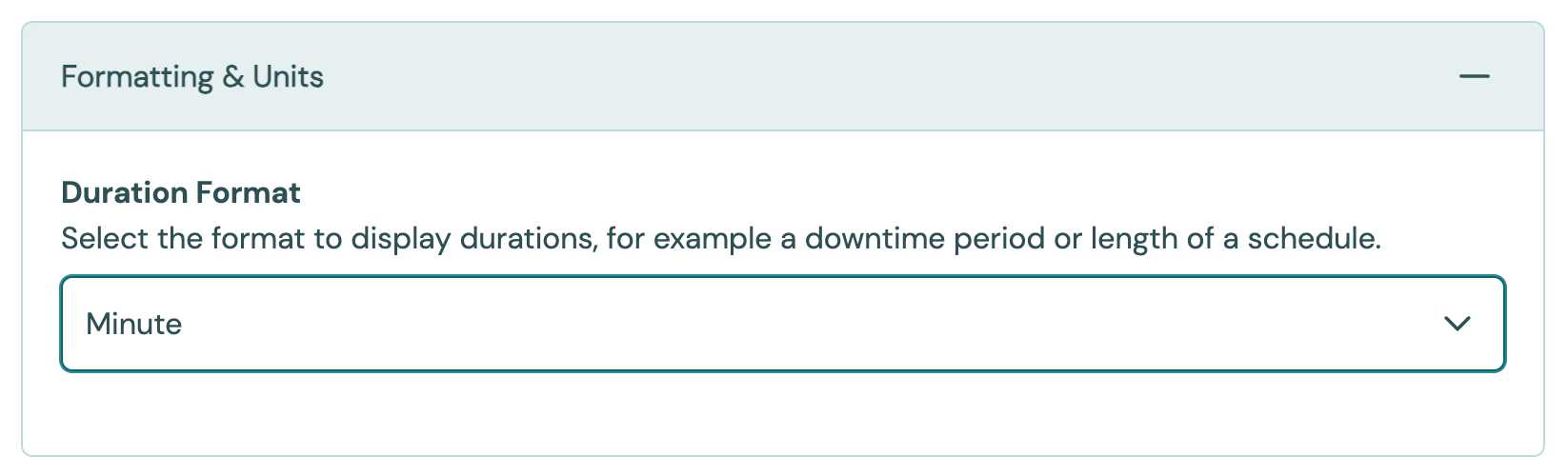
| Duration Format | Month, Day, Hour, Minute; Day, Hour, Minute; Hour, Minute; Minute | Month, Day, Hour, Minute | How durations, such as a downtime or the length of a schedule, are shown across Busroot. |
| Maximum Production Count per Schedule | Whole number, 1 to 9,999,999 | Empty (no limit) | The most units one schedule can record. |
Maximum Production Count per Schedule is a safety net against a very wrong count, such as a mistyped parts per cycle. Set it a little above the largest schedule you expect, or leave it empty for no limit. For what happens when a schedule reaches it, see Production Tracking and Maximum production count per schedule.
Task Lists and Reasons
The Task Lists and Reasons panels choose which Task lists and reasons are available across the account. Plants, station groups and stations can change this for themselves. See Tasks and Reasons.
Data Warehouse Access
If your account has data warehouse access, this panel shows the connection details: database type (PostgreSQL), host, port, database, username and password. The fields are read only. Use them to connect your own BI tool. See Power BI & Grafana.
To reset the password, contact support.